One timeline for every cloud
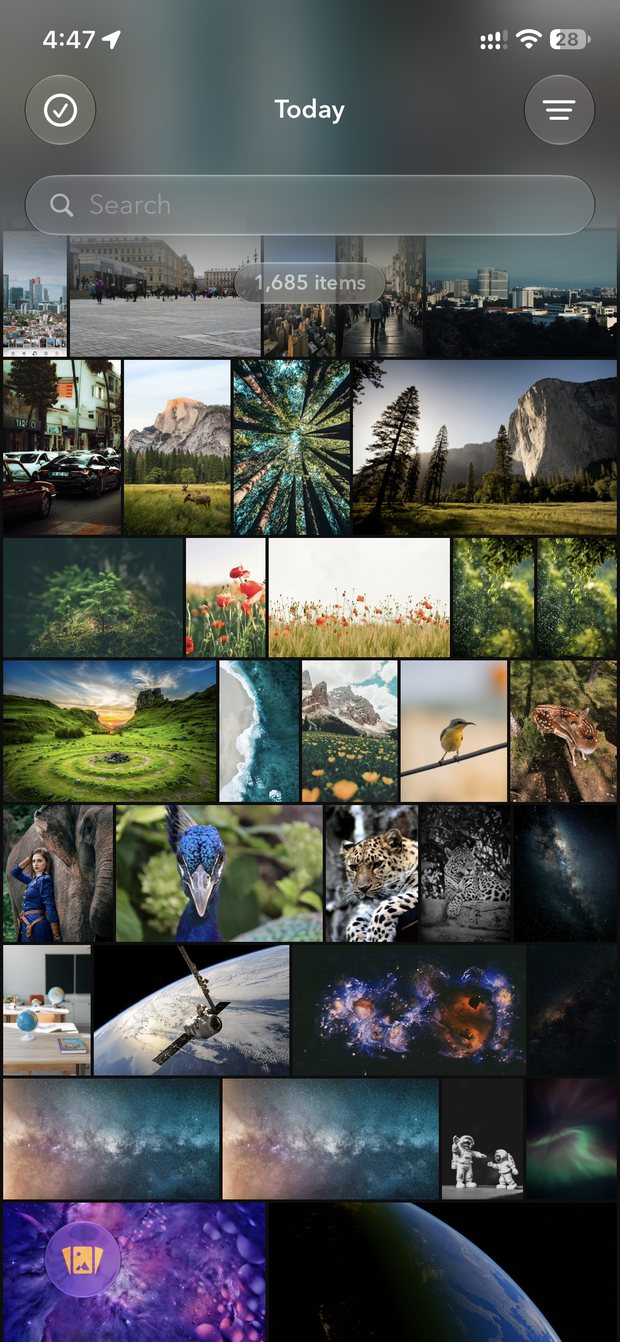
Your camera roll and every connected cloud in one mosaic, ordered by the day each photo was taken. Filter to one source or account in a tap.
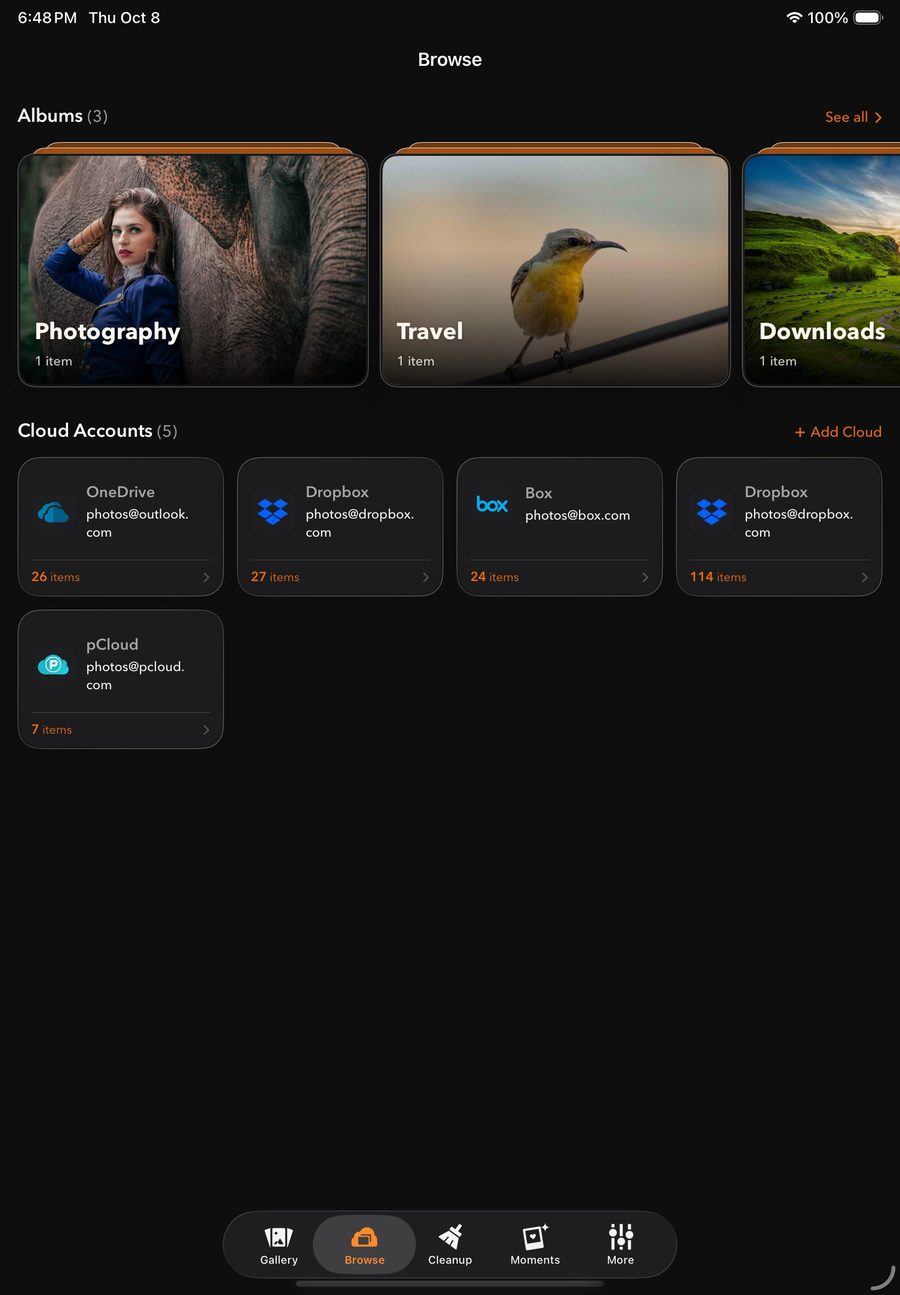
Your camera roll and your OneDrive, Dropbox, pCloud, Yandex Disk and Box photos together, sorted by the day each photo was taken.
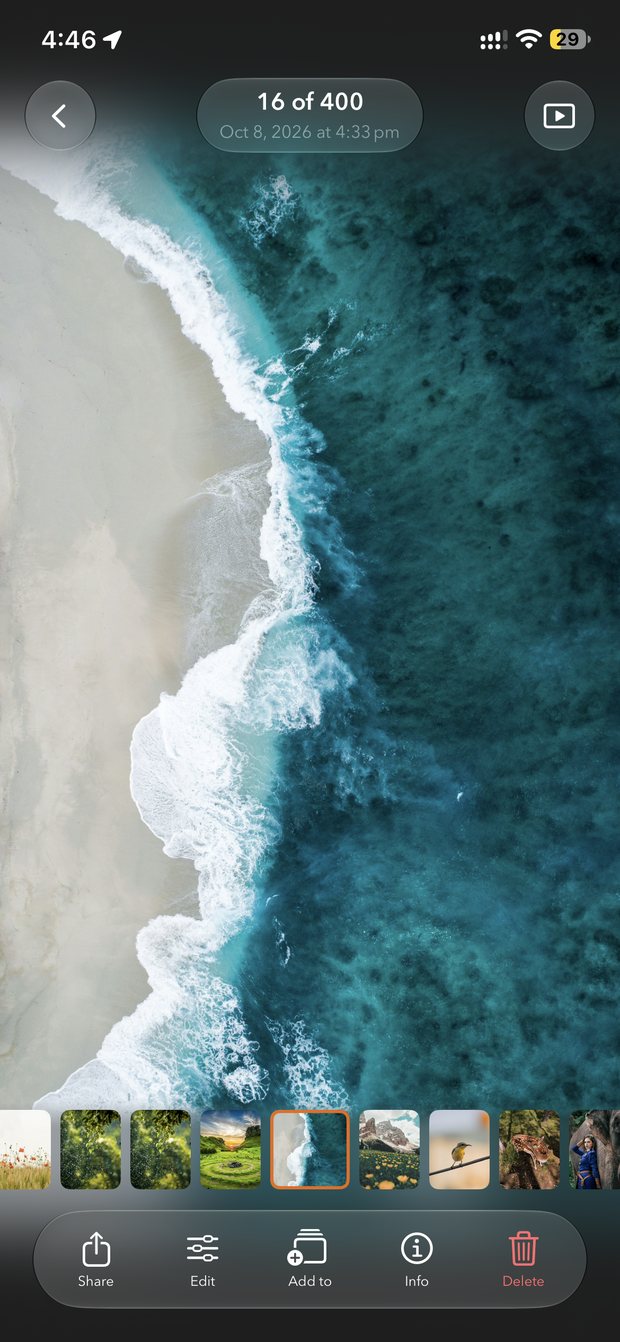
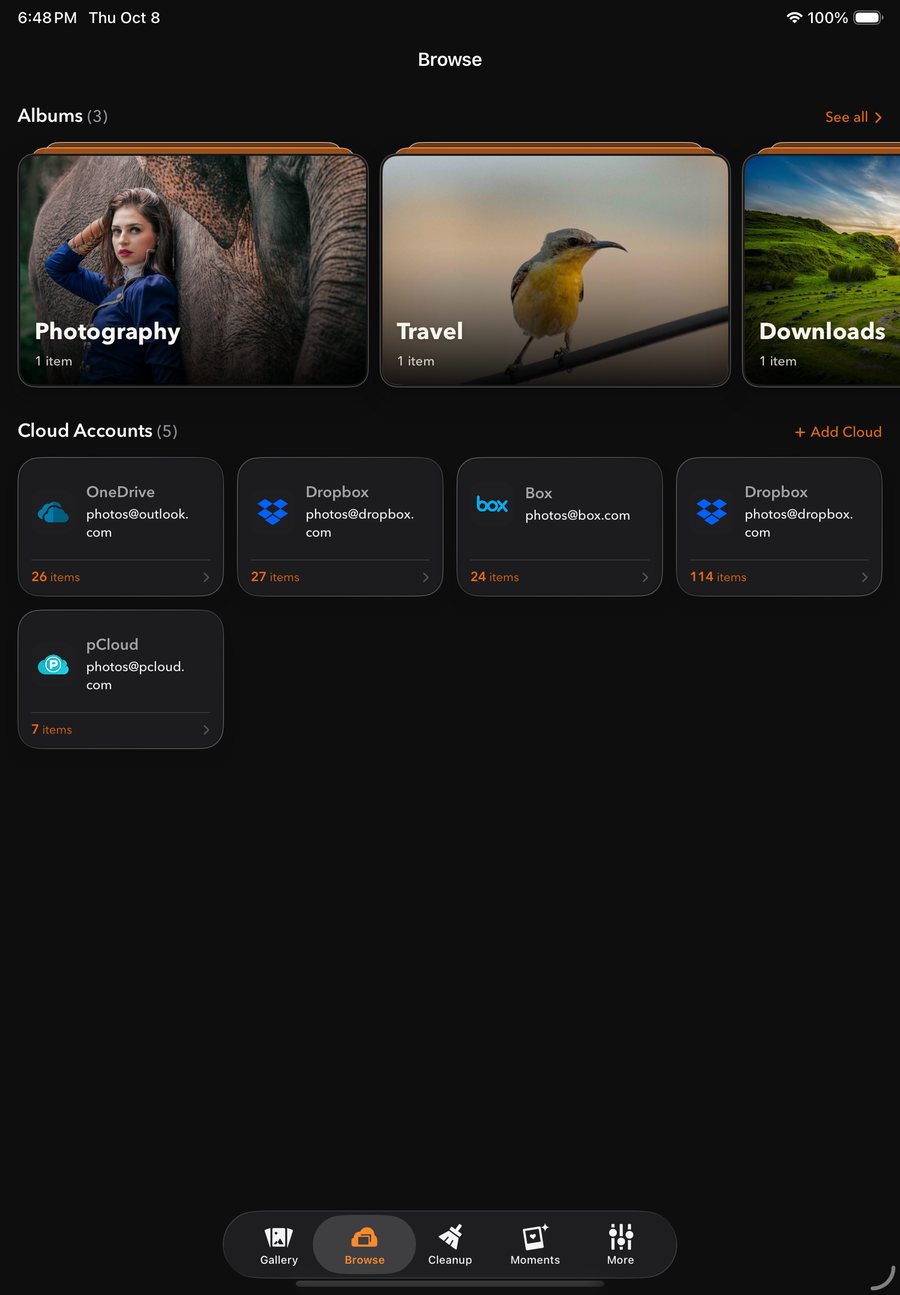
Your camera roll and every connected cloud in one mosaic, ordered by the day each photo was taken. Filter to one source or account in a tap.
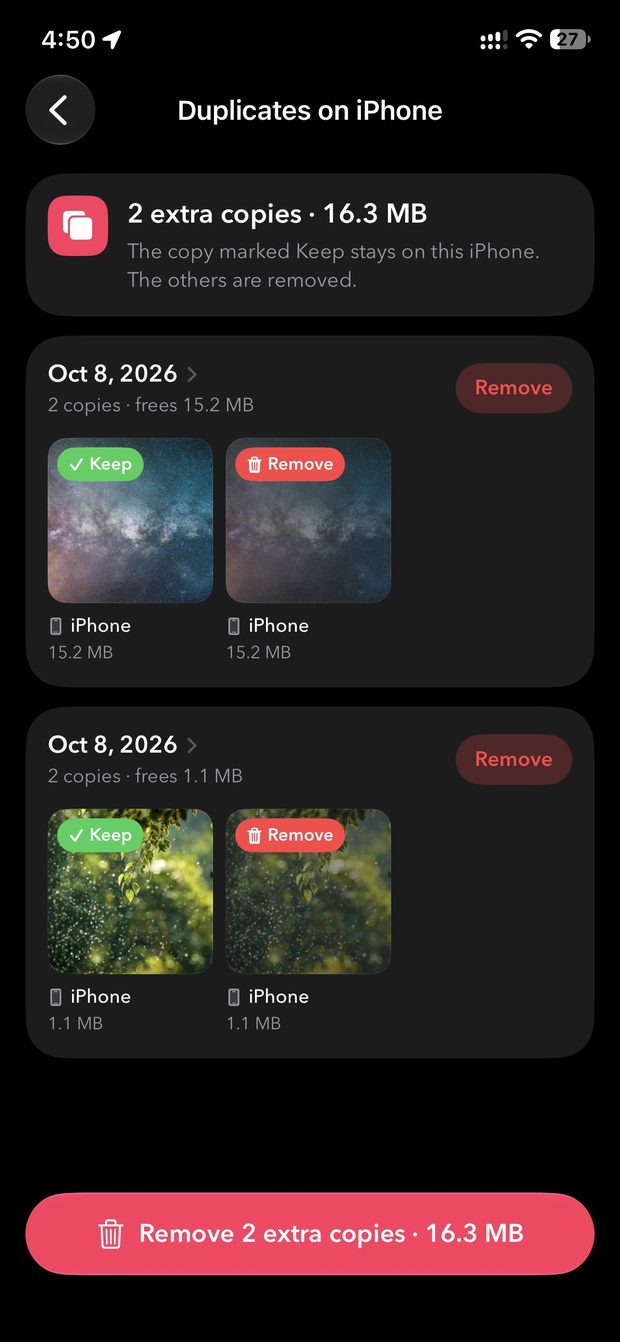
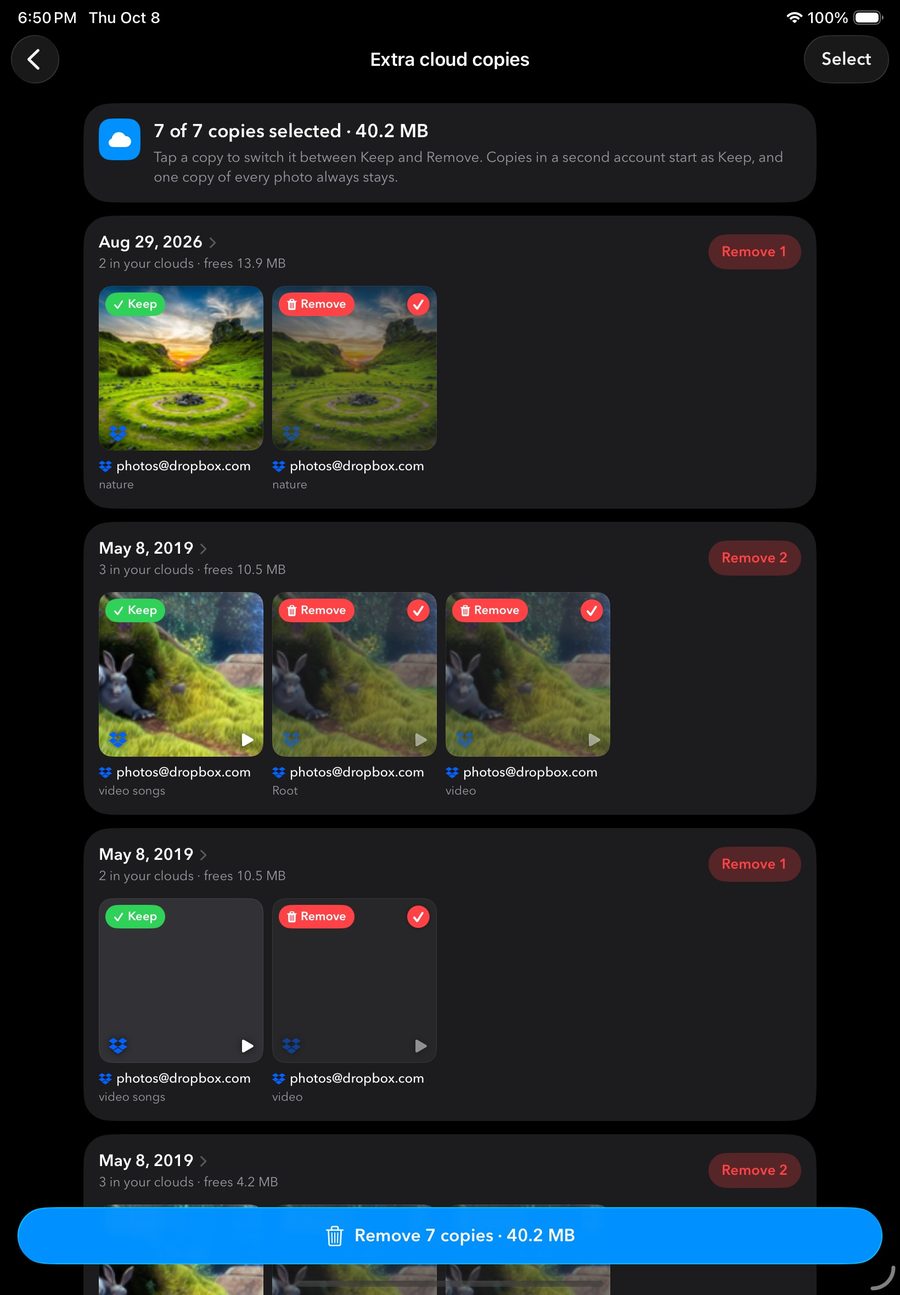
PhotoMesh matches photos across clouds, shows what each duplicate costs you, and keeps one copy of every photo.
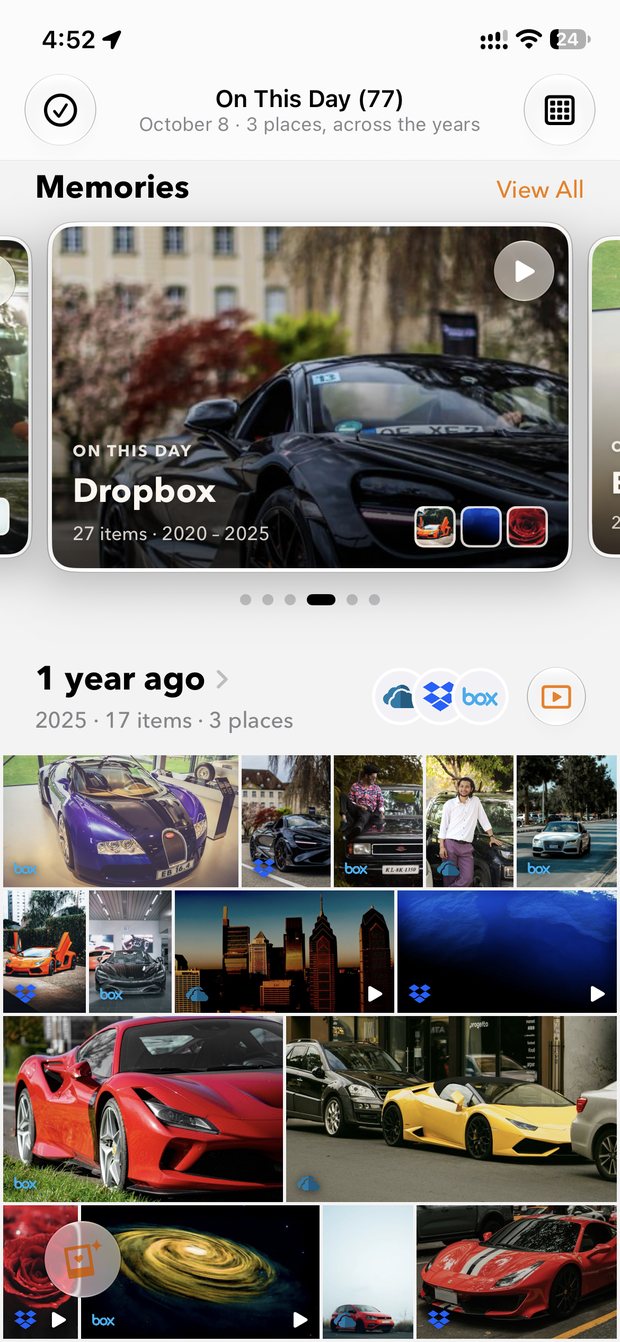
See what you photographed on today's date in past years, from every source, grouped by year.
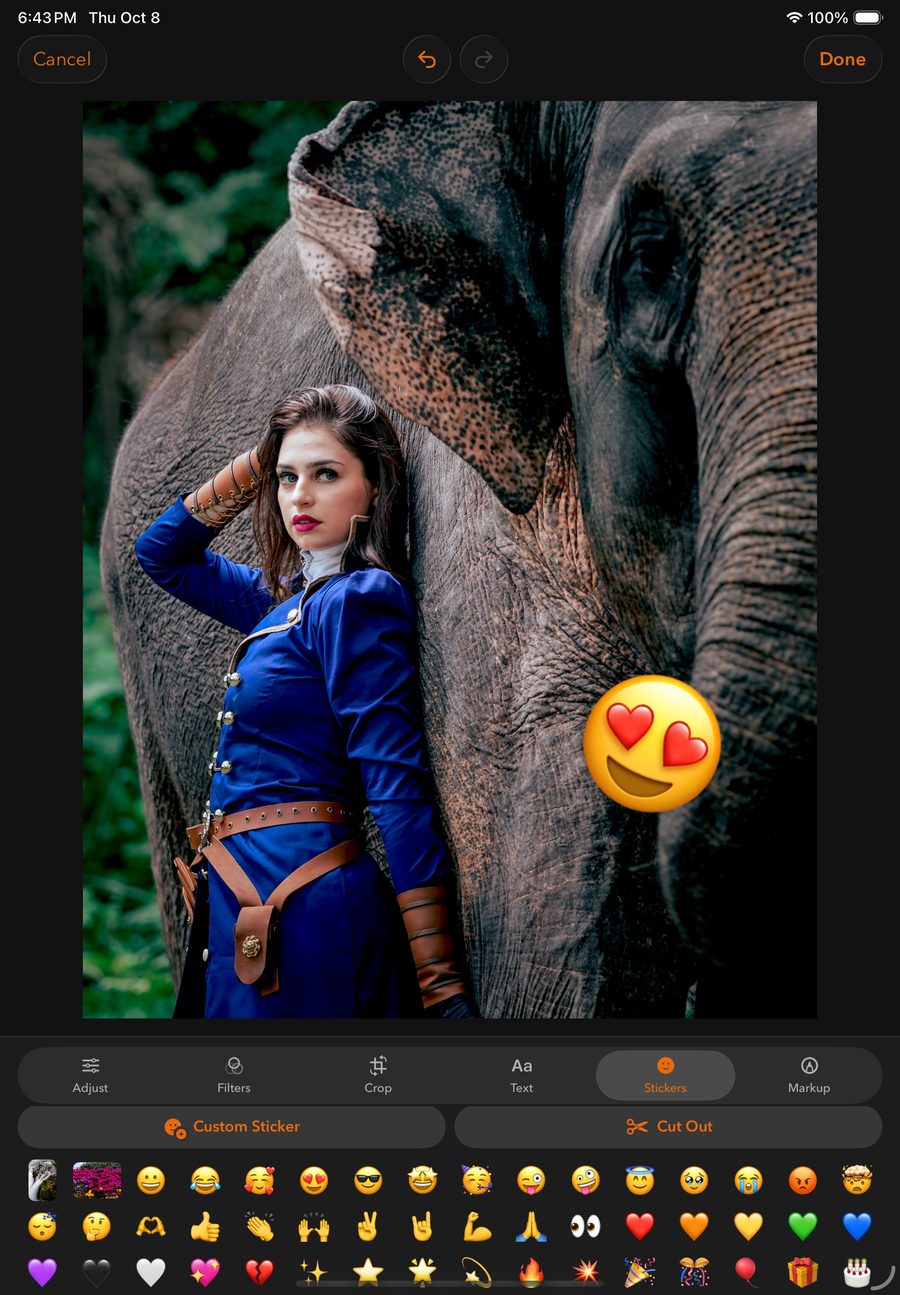
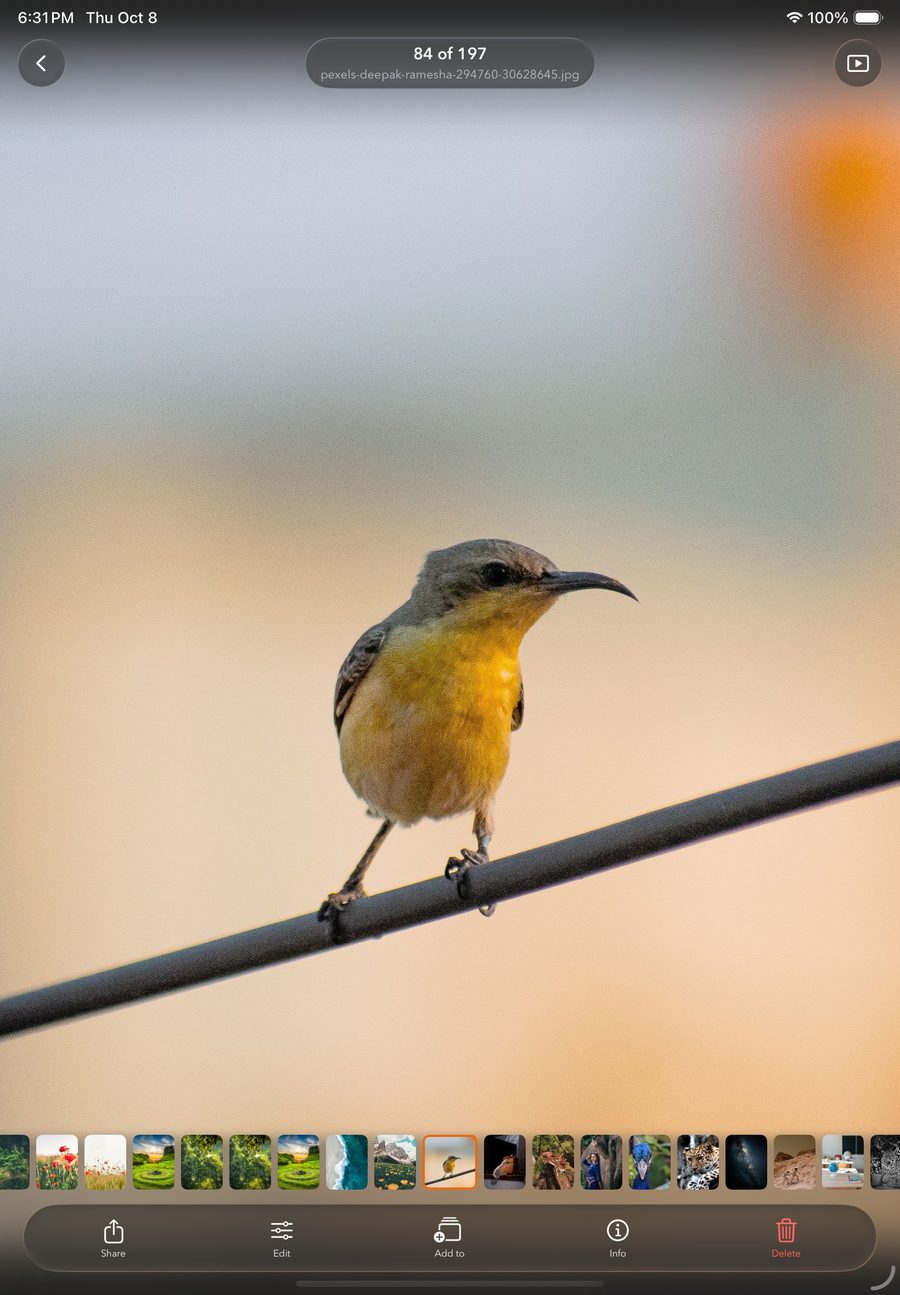
Adjust, apply looks, crop, add text and stickers. Your original stays safe until you choose to save over it.
The app talks to your clouds directly from your device. There is no copy of your photos on our side.
Browsing never changes your files. A cloud photo is deleted only when you choose to, and it goes to that service's trash.
Each cloud signs in through its own official login. Unlinking clears its cache from your device.
| Weekly | $1.99 |
| Monthly, 3-day free trial | $3.99 |
| Yearly | $19.99 |
| Lifetime, one-time | $49.99 |
US prices. Subscriptions renew automatically unless cancelled at least 24 hours before the end of the period, and can be managed in your Apple Account settings. See the Terms of Use.
No. PhotoMesh has no servers that store photos. Your pictures move directly between your cloud provider and your device.
Only when you ask it to. Deleting or moving a cloud photo happens only after you choose that action.
Unlimited clouds and albums, sharing and deleting cloud photos, bulk duplicate cleanup, and no ads. From $1.99 a week, $3.99 a month, $19.99 a year or $49.99 once.
Questions, ideas, bug reports or privacy requests. We read every message and usually reply within two working days.
Or email photomeshapp@gmail.com